Browser: free 2-stem test
Vocals + accompaniment. Fast, free, no signup. Good for testing whether a track separates well before committing to anything.
iOS, Android, and Mac
The browser gives you a free 2-stem test. The apps go further with full 5-stem separation (vocals, drums, bass, piano, other) on iOS, Android, and Mac. Everything processes on your device, no internet needed.
Drop a song here — or tap to try it on your track
Free, in your browser. No signup. MP3, WAV, FLAC, M4A, OGG, or video.
Choose a fileThe free browser tool and the paid apps serve different needs.
Vocals + accompaniment. Fast, free, no signup. Good for testing whether a track separates well before committing to anything.
Vocals, drums, bass, piano, and other as individual stems. More control for production, practice, and detailed work.
The apps use the same separation model but go further with individual instrument stems instead of a single accompaniment mix.
Full 5-stem separation on the go. Available on the App Store. Works offline — processing happens entirely on your device.
Same 5-stem separation on Android devices. Available on Google Play. No internet connection required after download.
Desktop power for longer tracks and larger files. Runs natively on Apple Silicon for fast processing. Available on the Mac App Store.

Unmix is a perfect tool that lets you split any song into instrumental tracks and vocals with help of artificial intelligence. After that, you will be able to export and edit those separated tracks as wav or mp3 files.
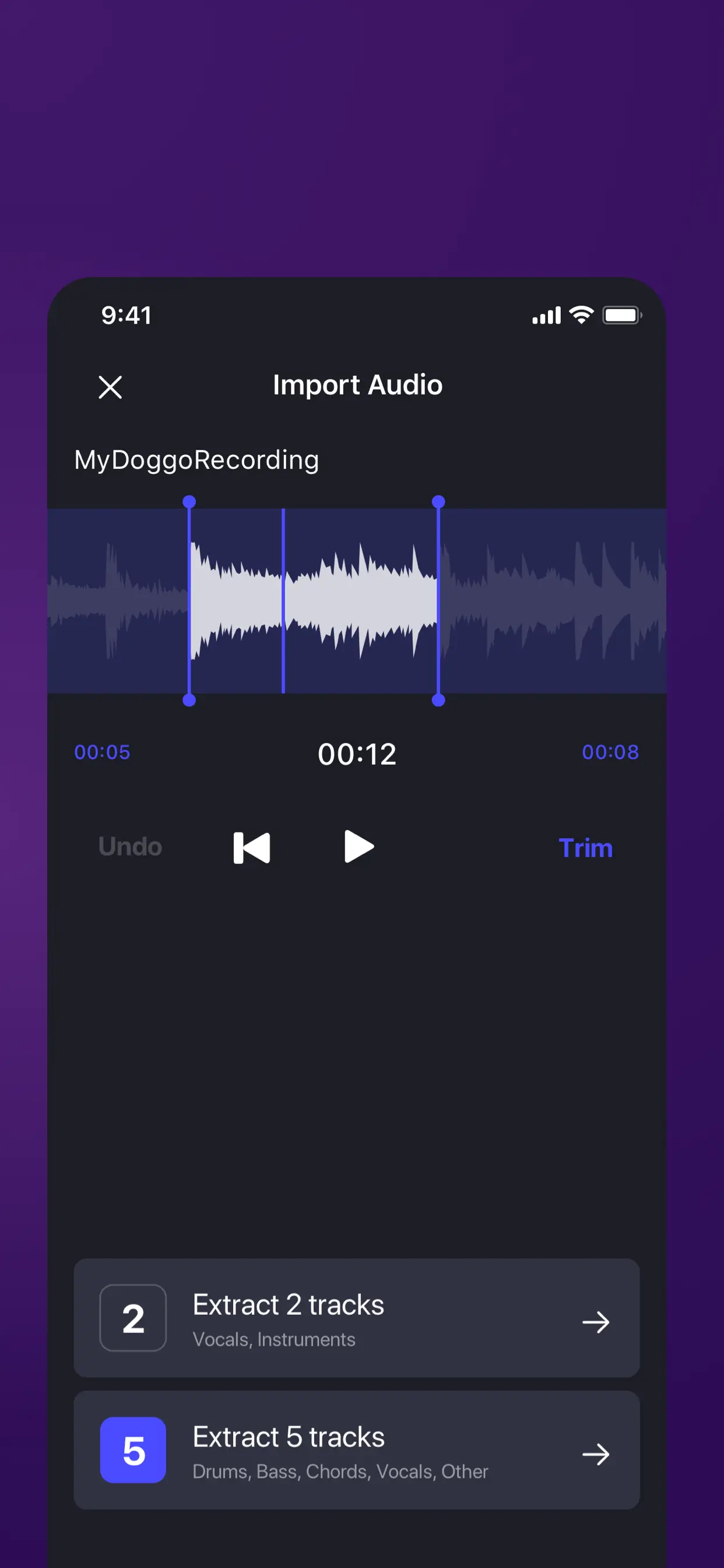
From file import to finished stems — the whole flow lives on your device.
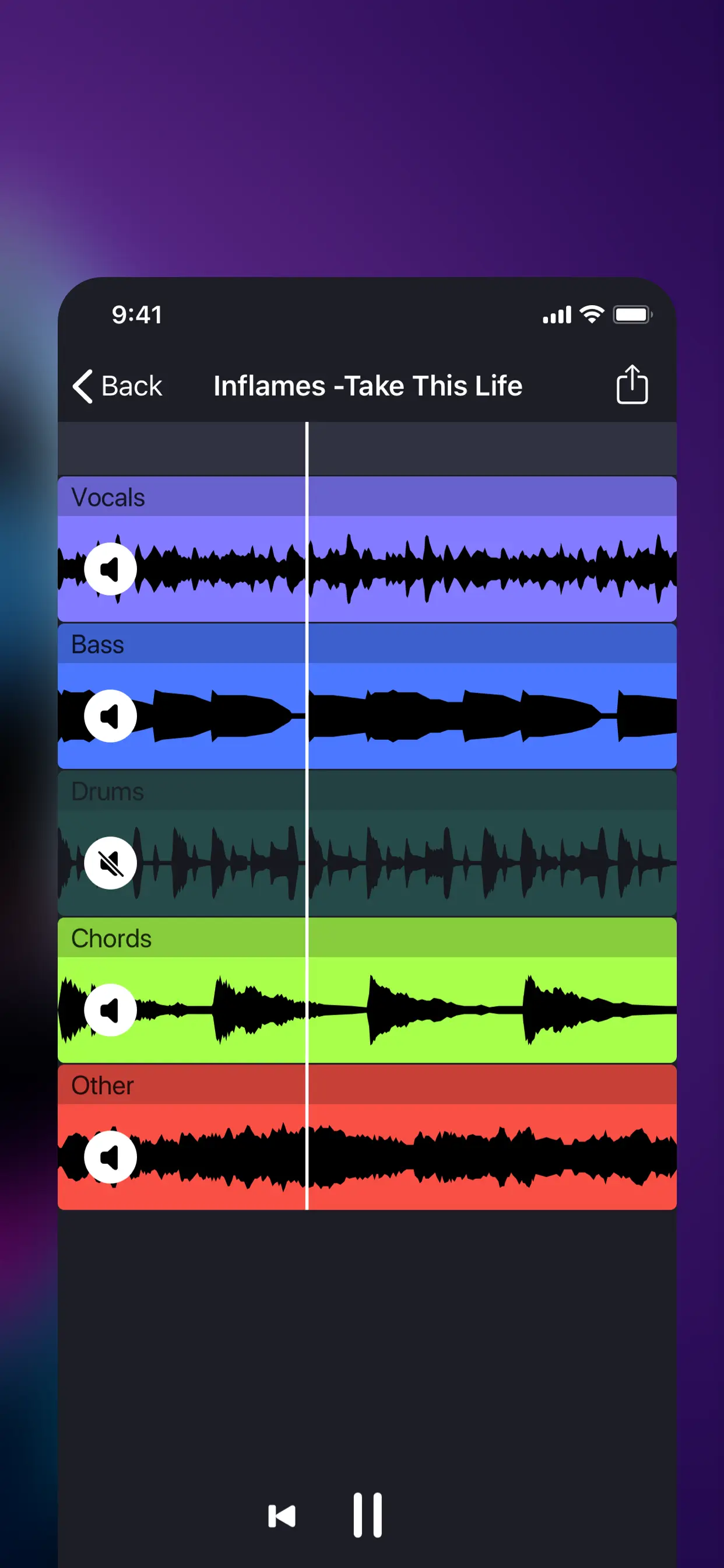
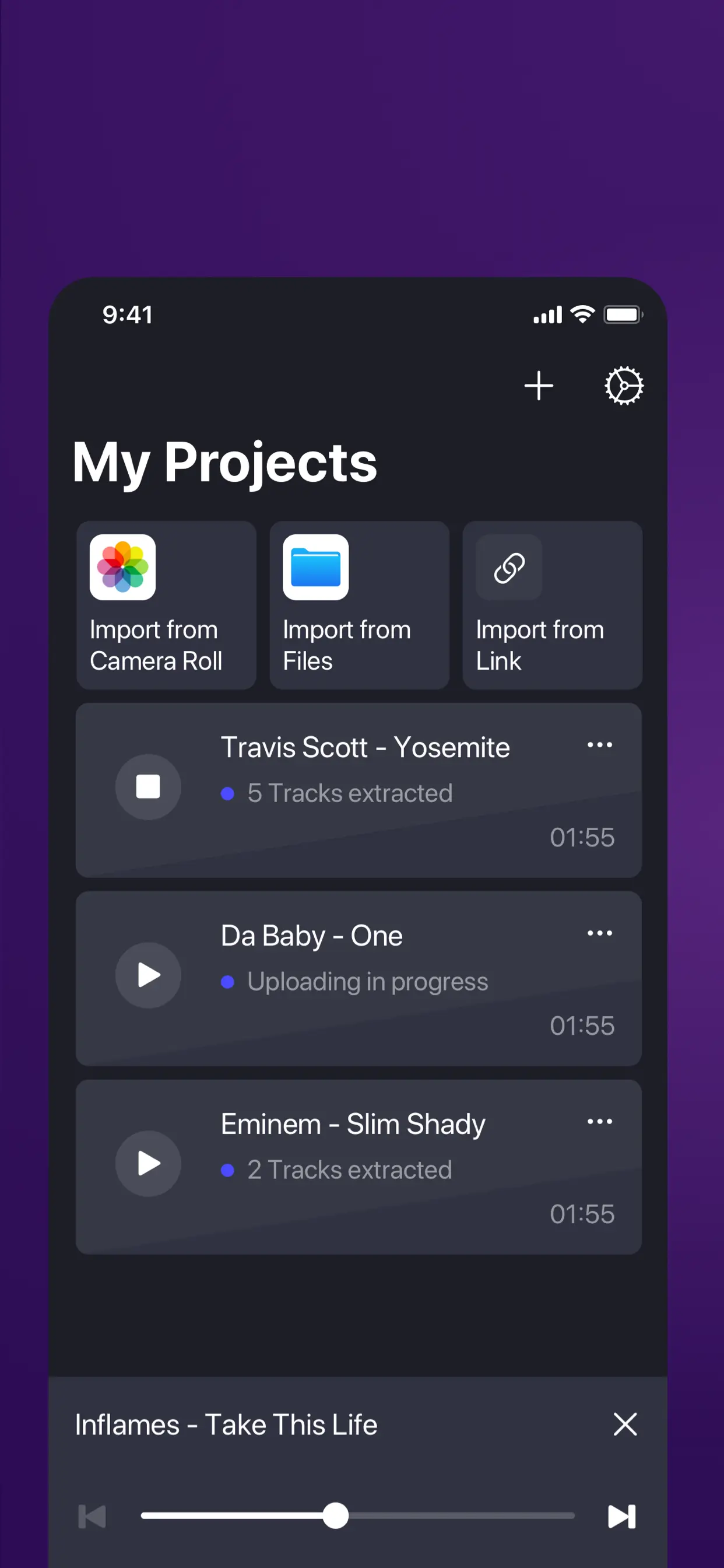
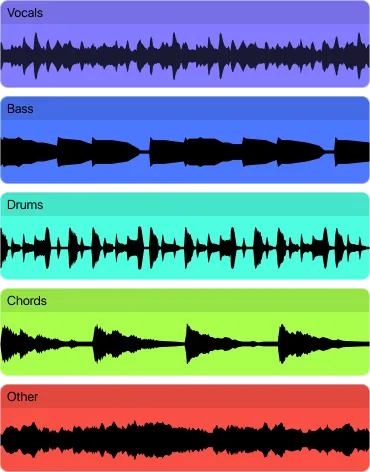
Each stem isolated separately for maximum flexibility.
Lead and backing vocals combined. The cleanest stem in most separations. Use for acapellas, remixes, and vocal practice.
Kick, snare, hi-hats, and cymbals. Good for drummers practicing along and for producers who need the rhythmic foundation.
Three more stems covering bass guitar/synth, piano/keys, and everything else. Quality varies by source material.
The recommended workflow for getting the best value.
Upload your track to the browser tool and listen to the 2-stem result. If vocals separate cleanly, the track is a good candidate.
Skip to the chorus. If the quality is usable there, the rest of the song will be even better.
Once you know a track separates well, process it in the app for individual instrument control.
| Browser (free) | iOS / Android | Mac | |
|---|---|---|---|
| Stems | 2 (vocals + accompaniment) | 5 (vocals, drums, bass, piano, other) | 5 (vocals, drums, bass, piano, other) |
| Processing | On-device via Web Audio API + ONNX Runtime | On-device, no internet required | On-device, native Apple Silicon + Intel |
| Input formats | MP3, WAV, M4A, OGG, FLAC, MP4, WebM, MOV | MP3, WAV, M4A, FLAC, MP4 | MP3, WAV, M4A, FLAC, MP4, MOV |
| Export format | WAV | WAV | WAV |
| Account required | No | No | No |
| Internet required | Only to load the page initially | No | No |
The apps aren't automatically better. They're better for specific scenarios. Here's the honest decision.
Commute time (30–60 min train rides process 4–6 tracks). Gig prep (load a setlist on an iPad, process overnight on charger). No-internet scenarios like studios with restricted networks, flights, or remote recording sessions. Batch library work for DJs. If you're processing stems while walking to a studio, mobile wins every time.
Rough benchmarks on a 4-minute song, Balanced preset: M2/M3 MacBook Air: 15–25 seconds. iPad Pro (M2): 25–40 seconds. iPhone 15 Pro: 40–60 seconds. iPhone 12–14: 60–90 seconds. Android flagships (Pixel 8+, Galaxy S24+): 60–90 seconds. Older Android (2+ years old): 2–4 minutes. The Mac version benefits most from Apple Silicon's unified memory for longer files.
If you only need 2-stem separation (vocals + accompaniment) and process fewer than 5 tracks per month, the free browser tool is all you need. No point buying the app. The app's value kicks in when you want 5-stem control (individual drums, bass, piano stems) or need offline processing. Many users stay on browser-only forever — which is by design.
Upload any song and hear the separated stems in seconds. Free, no account needed.
Download from the App Store, Google Play, or Mac App Store to see current pricing and any free trial options. The browser tool is always free.
Yes. The browser gives a quick free quality check on your specific track before you use the app.
The browser splits into 2 stems (vocals + accompaniment). The apps split into 5 stems (vocals, drums, bass, piano, other).
Yes. All processing happens on your device. No internet connection needed.
Yes. The app runs natively on both Apple Silicon and Intel Macs.
Yes. The apps handle longer files than the browser. The Mac version is especially good for large or batch processing.
On iPhone 14 Pro or newer, processing a 3-minute song uses roughly 2–3% battery (similar to 15 minutes of video streaming). On Android flagships (Pixel 8, Galaxy S24), expect 3–5% per song. On older devices, more. For batch processing of 20+ songs, keep the device on charger — the Neural Engine runs hot and thermal throttles after extended use.
On iOS 17+, Unmix uses background audio processing permissions to continue separating when the screen is off, but iOS may pause the app after about 10 minutes of backgrounding. Android handles background tasks more flexibly depending on your device's battery optimization settings. For uninterrupted batch work, keep the app open and the device screen on dim.
Yes on both. The Mac app reads files from any mounted drive (internal SSD, external USB-C drives, network shares like SMB) and supports drag-and-drop from Finder or any other Mac app. Output files can save to any writable location. For large batch jobs from a DJ library on external storage, you don't need to copy files first.
Remove vocals from any song and keep the instrumental.
Isolate vocals for remixes, mashups, and covers.
Create backing tracks for singing and practice.
Split a song into individual instrument stems.
Remove drums, bass, or piano from a track.
Extract and separate audio from video files.